
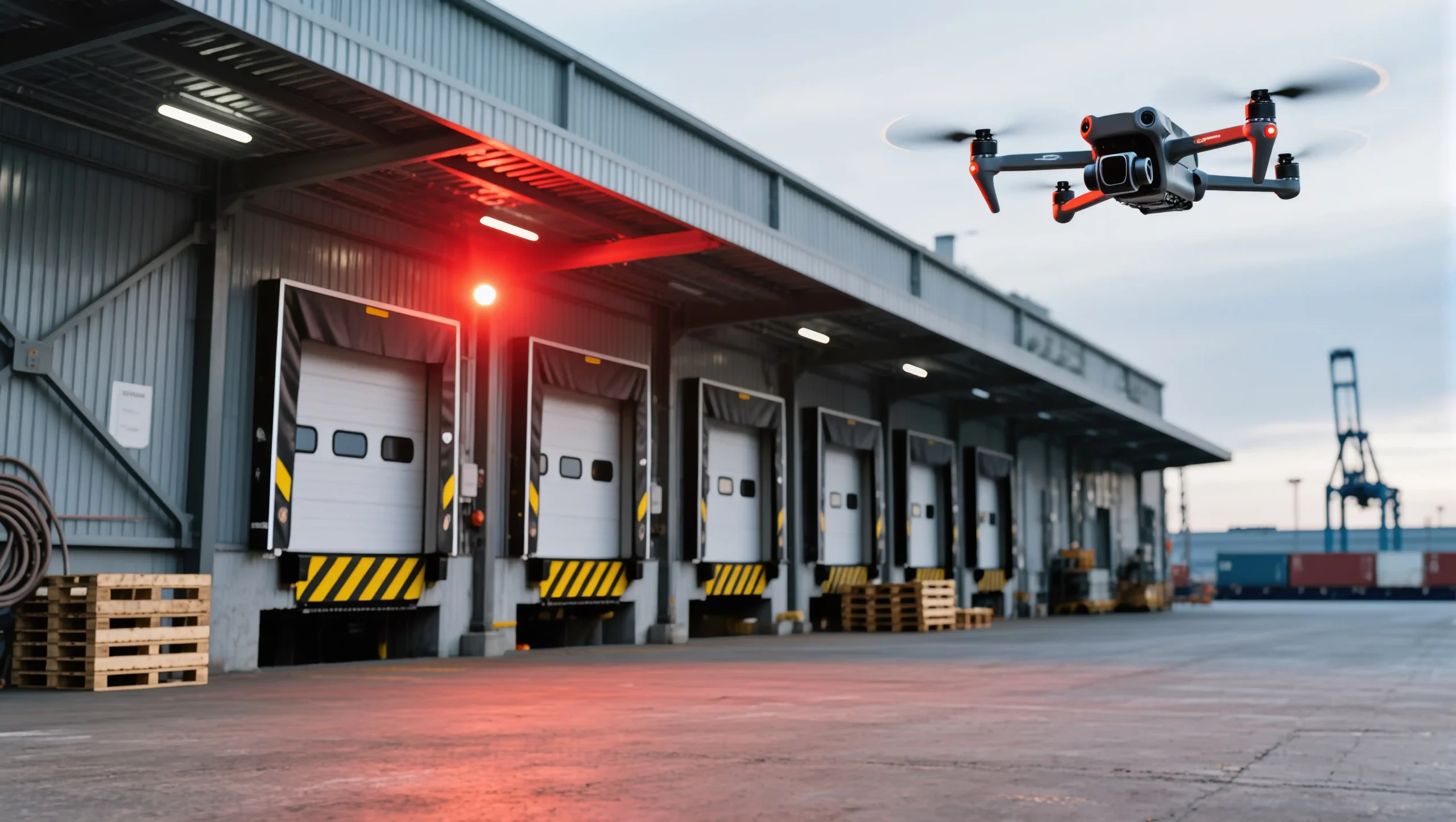
Drones are powerful tools for photography, mapping, inspection, and even entertainment. However, without proper care, even the most advanced drone can face unexpected issues that lead to crashes, unstable flights, or costly repairs. That’s why drone maintenance is essential — not only to extend the lifespan of your device but also to keep every flight safe and enjoyable.
In this guide, we’ll walk you through the ultimate drone maintenance tips to ensure your drone always performs at its best.
1. Pre-Flight Checklist: Always Inspect Before Flying
Before taking off, a quick inspection can save you from serious problems in the air:
- ✅ Check propellers for cracks, bends, or chips.
- ✅ Make sure the battery is fully charged and properly inserted.
- ✅ Inspect the camera lens and gimbal for dirt or damage.
- ✅ Confirm GPS and compass calibration.
- ✅ Test controls and signal connection with the remote.
A pre-flight check should only take 2–3 minutes but drastically reduces the risk of accidents.
2. Keep Propellers in Perfect Shape
Propellers are the wings of your drone. Any minor damage can cause instability.
- Replace propellers immediately if you notice any cracks or warping.
- Store extra propellers in your drone kit for emergencies.
- Tighten propellers securely before every flight.
💡 Tip: For professional users, consider upgrading to high-performance propellers for smoother and quieter flights.
3. Battery Care: Extend Lifespan and Safety
Drone batteries are powerful but sensitive. Improper care can shorten their life or even cause swelling.
- Avoid overcharging or fully draining the battery.
- Store batteries at 40–60% charge if not in use for a long period.
- Keep batteries away from extreme heat or cold.
- Use only original or certified chargers.
4. Clean and Protect Your Drone
Dust, dirt, and moisture are enemies of drone electronics.
- Wipe down the drone body with a microfiber cloth after every flight.
- Use compressed air to clean hard-to-reach areas.
- Protect the gimbal and camera lens with covers when not in use.
- Avoid flying in rain or heavy wind unless your drone is weatherproof.
5. Software Updates and Calibration
Drone manufacturers regularly release updates to improve performance and fix bugs.
- Always update your drone firmware and app.
- Calibrate compass and IMU regularly, especially if you fly in a new location.
- Test flight controls after every update to ensure everything runs smoothly.
6. Professional Maintenance: When to Seek Expert Help
Even with regular care, some issues require professional handling. If you experience:
- Shortened flight times despite healthy batteries.
- Unusual vibrations or noises during flight.
- Camera/gimbal instability.
- Signal loss or repeated GPS errors.
👉 It’s time to contact a professional drone service like Drone Nation to avoid bigger problems.
Conclusion
Drone maintenance is not complicated, but it requires consistency. By checking propellers, caring for batteries, cleaning properly, and keeping software updated, you’ll ensure your drone stays safe and reliable.
If you’re ever unsure or facing technical issues, Drone Nation is here to help with expert service, spare parts, and professional advice.
✅ Keep your drone in top condition, and keep flying safely!




One thought on “The Ultimate Guide to Drone Maintenance: Keep Your Drone Flying Safely”
Hi, this is a comment.
To get started with moderating, editing, and deleting comments, please visit the Comments screen in the dashboard.
Commenter avatars come from Gravatar.